 Lap
Lap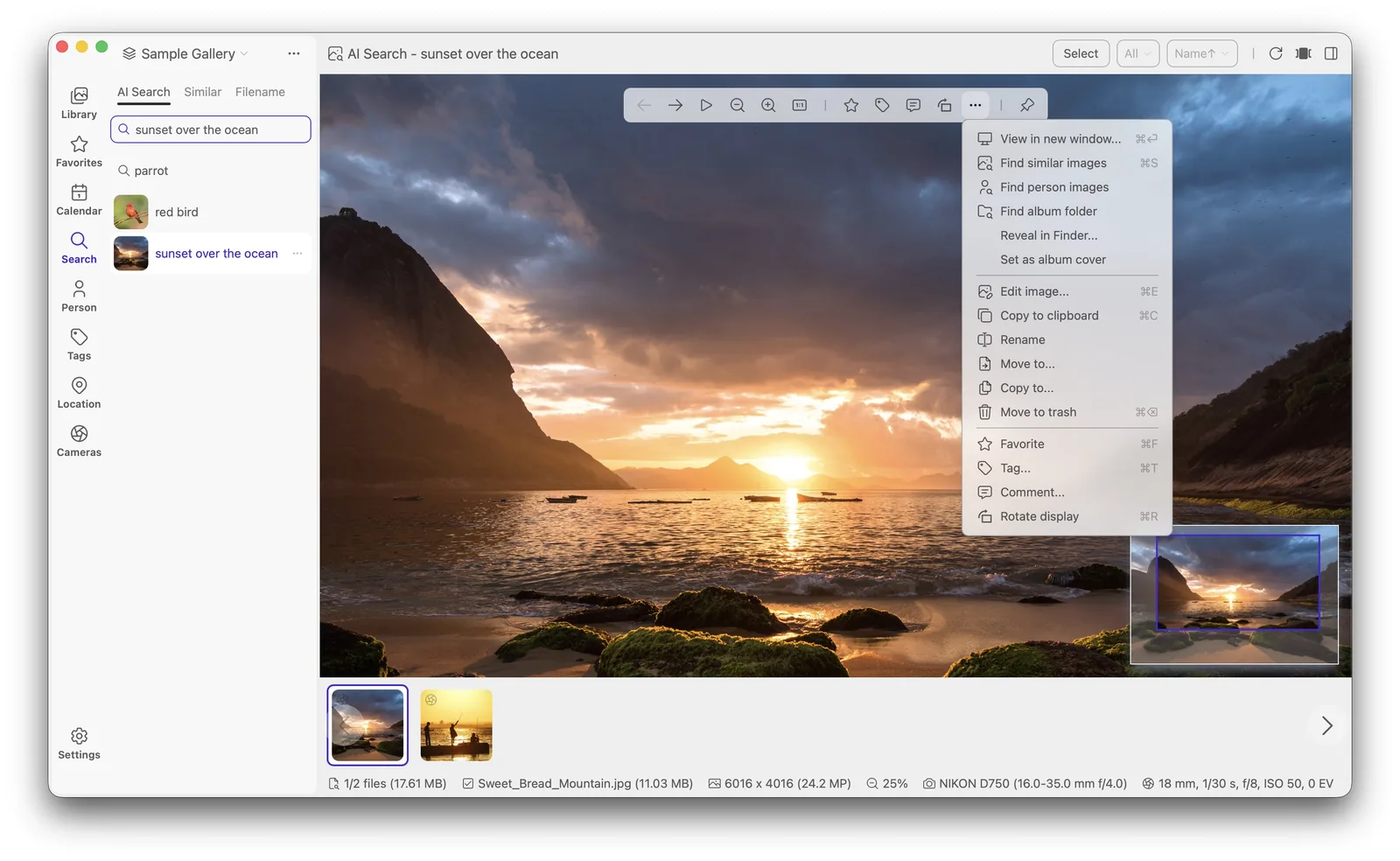
Two ways to find a photo
Most of the time you know something about the photo you want: the camera, the date, the place. Lap answers those with metadata filters. When you only remember what the photo looked like, local AI search takes over. Both run on your machine, so there is no upload and no account.
Filter by what you know
- Date and time ranges.
- Camera body and lens.
- Location from GPS, browsed on the map.
- Tags, collections, favourites and ratings.
- People, grouped by face.
Filters can be combined, and Smart Albums save a set of rules as a reusable view with its own grouping and sorting. Smart Albums are rules rather than copies, so a saved view keeps matching as your library changes.
Search by what you remember
The AI side is a local model, not a cloud endpoint. It indexes your images and matches a text prompt against them, so a phrase like "red bicycle on a bridge" returns candidates instead of nothing. The same index supports visual similarity, showing images that look like a photo you already have, and subject tags that describe what is in a picture. Optional multilingual search extends prompts to 50+ languages, so you can search in the language you think in.
Face detection groups the same person across years of photos, and you can then browse or filter by those groups. Nothing about your faces or the prompts you type leaves the machine.
Prompts work best when they describe what is visible: objects, colours, a setting or an activity. You do not need filenames or exact dates. Once a search returns a set, you can narrow it with the same metadata filters used elsewhere, which helps when a description matches far more photos than you expected. Because the models run on-device, results come back without a server round trip, and the library does not need to be online or signed in to be searched.
Where this helps most
- Finding one photo in a collection of 100,000+ files.
- Building a shortlist for a cull without opening every frame.
- Searching for a memory you cannot date or place.
- Sorting people into groups when you have never tagged faces before.
The search bar and filters work offline and stay responsive on large libraries. For the full picture of what is searchable, read the features overview, follow the walkthrough in the guides, or download Lap and try a prompt on your own photos.