 Lap
LapWho it's for
- Large libraries that have grown past manual filing
- Event and travel photos that need grouping and tagging
- Anyone who wants ratings and collections without cloud lock-in
Folders, tags, ratings, collections and smart albums — everything you need to bring order to a large photo collection.
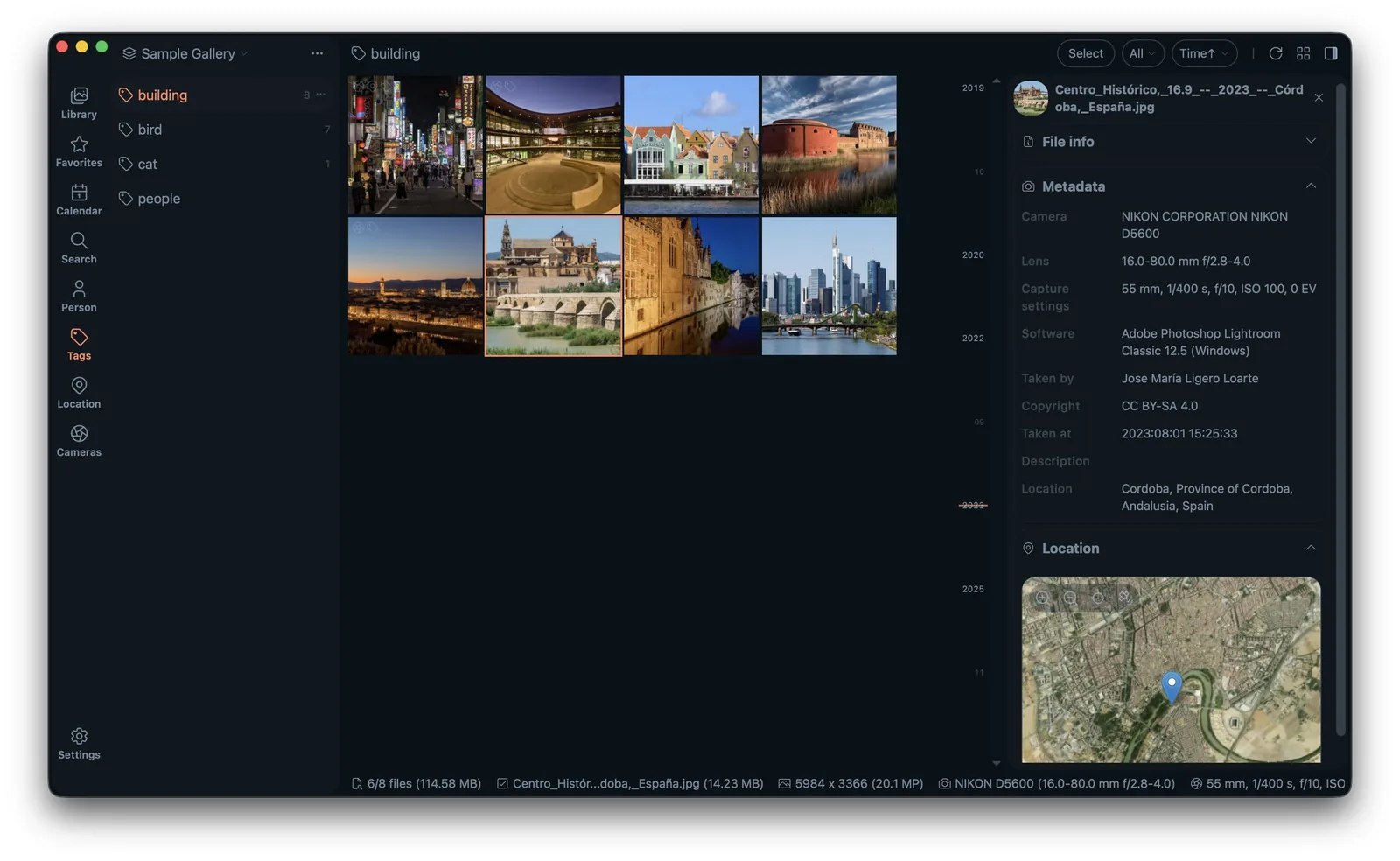
A growing photo library turns into a mess faster than you expect. Lap gives you the tools to organize it your way — without uploading a single image.
Add tags, favorites and star ratings to sort and filter.
Group files into collections without moving or duplicating originals.
Create rule-based albums that update automatically.
Organize real folders, not a proprietary database.
Find and remove duplicates to reclaim disk space.
No. Tags, ratings and collections are stored in Lap's local catalog — your originals stay untouched.
Yes. Lap is folder-first and works directly with your existing folder structure.
Lap is a desktop app for macOS, Windows and Linux.