 Lap
LapWho it's for
- Developers who want to read and build the source
- Privacy advocates who verify claims by auditing code
- Anyone who refuses subscriptions and closed software
GPL-3.0 licensed. Inspect the code, self-build it, or contribute — no subscription, no lock-in.
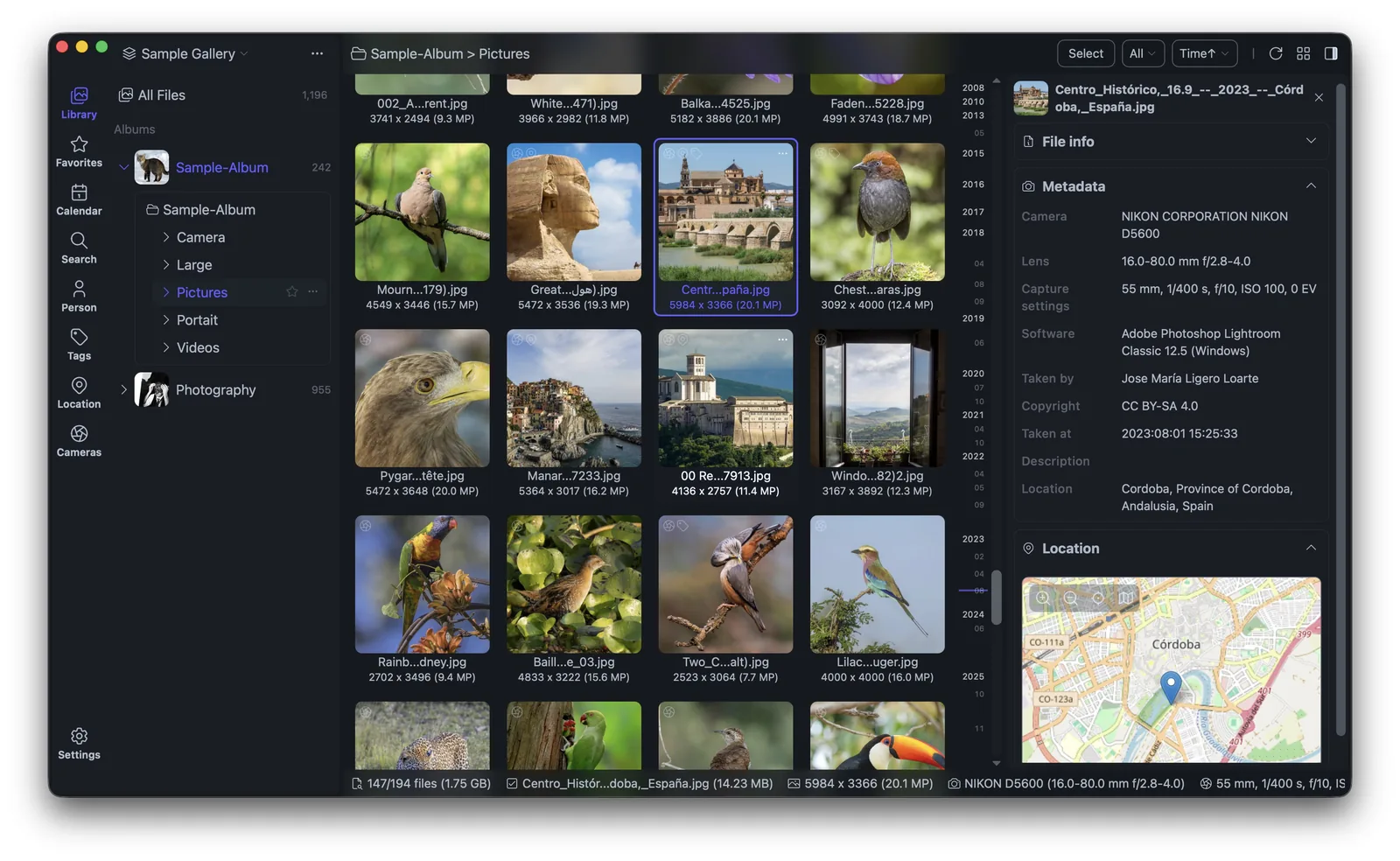
Lap is open source under GPL-3.0. That means the code is public, you can verify exactly what it does with your photos, and it will never demand a subscription.
A copyleft license that keeps it free.
Read the source to verify privacy claims.
Report issues and contribute on GitHub.
Free to use, always.
Yes. Lap is free and open source under GPL-3.0.
Yes. The source is on GitHub — issues and pull requests welcome.
Lap is licensed under GPL-3.0-or-later. The repository is public, so you can read the code that touches your files and check for yourself what the application does with them. There is no hidden telemetry behind a checkbox, and no paid tier that changes what the app can do.
A copyleft license matters over the long run. Any derived version has to stay under the same terms, which means the project cannot quietly become paid or closed later. The copy you install today keeps the freedoms you installed it for.
| Layer | What Lap uses |
|---|---|
| Application shell | Tauri with a Rust core, so it runs as a native desktop app on macOS, Windows and Linux. |
| Interface | A Vue and Vite front end. |
| Local data | SQLite for the catalog, thumbnails and index that stay on your disk. |
| Image decoding | LibRaw for RAW files, libheif for HEIC/HEIF, and libjpeg-turbo for fast JPEG work. |
| Video and AI | FFmpeg for video, and ONNX Runtime for the local models used in text-to-image search and face detection. |
Nothing about the build is hidden. Clone the repository, install Node.js 20 and pnpm, add a Rust toolchain, and build with the Tauri CLI. Platform dependencies, the model download scripts and the FFmpeg sidecar are all documented in the README. If you would rather not build it yourself, prebuilt packages are available for macOS, Windows and Linux, and macOS users can install with Homebrew.
If you find a bug or want a feature, issues and pull requests are welcome on the project page. Because the code is public, you can also confirm behaviour yourself instead of taking a vendor's word for it — useful if you care which folders get indexed and what happens to your files during a move.
Open source also means the ceiling is not fixed by one company's roadmap. If Lap is missing something you need, you or someone you hire can add it, and the change stays yours to keep. The dependencies are ordinary, well-known libraries, so the code is readable to anyone who has worked with Rust, Vue or a SQLite-backed desktop app before.
Lap has no paid tier and no feature gates. Duplicate cleanup, AI search, RAW handling, editing and collage all ship in the same free download. The features page lists what is included and the open source page covers the license in more detail. When you are ready, download Lap for your platform.