 Lap
LapWho it's for
- Travel and fieldwork with no reliable internet
- Air-gapped or offline-only machines
- Anyone who wants their photo tools to work without a connection
No internet required. No account. Your photo library works the same online or off.
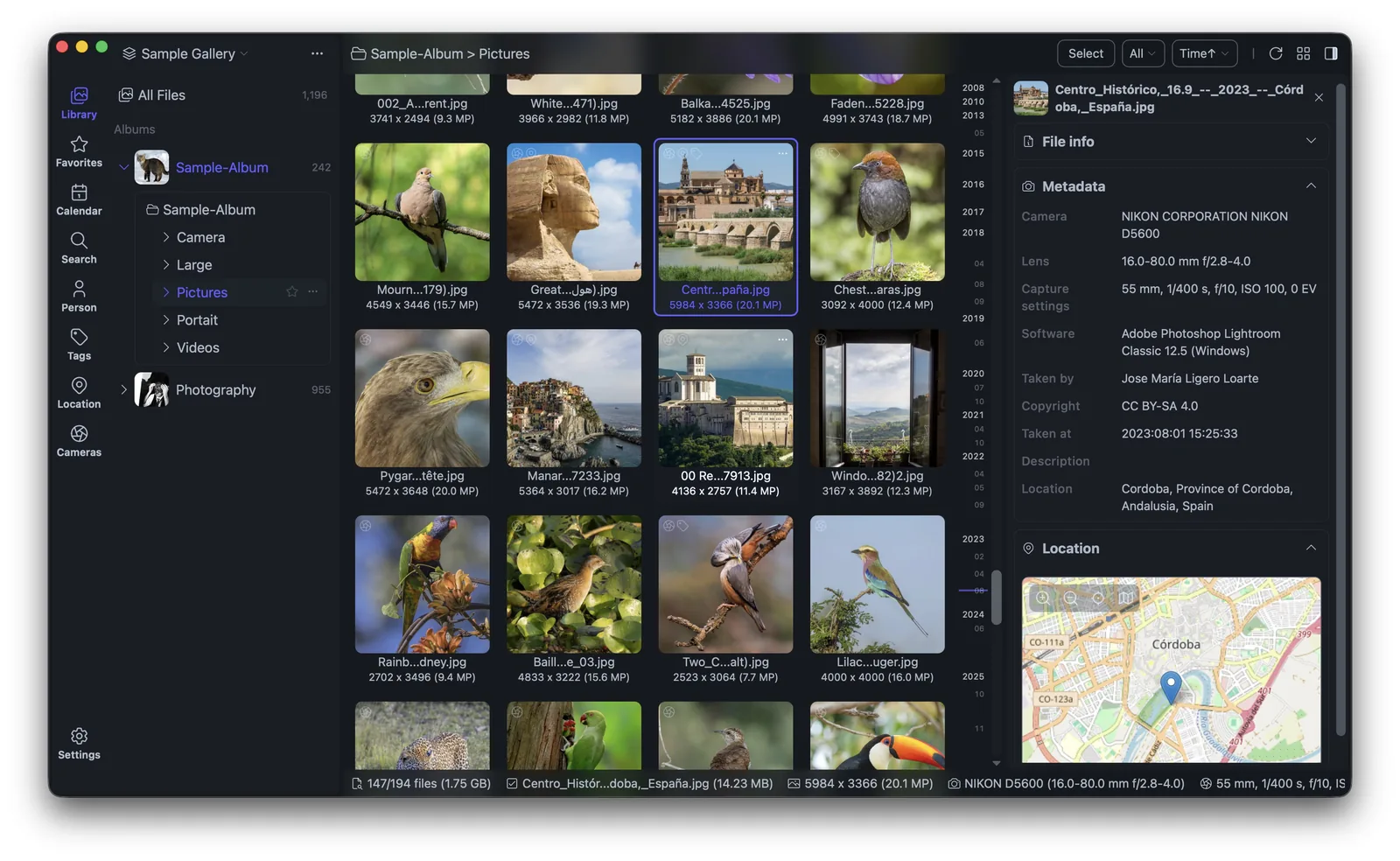
Lap is offline-first by design. Indexing, searching, AI features and organization all happen on your machine — so your photo workflow never depends on a connection.
All core features work without an internet connection.
No registration, no login, no cloud dependency.
Search and face features run on-device, offline.
Everything stays on your local storage.
No. There is no account or login.
Yes. AI search and face recognition run locally via ONNX Runtime.
Lap is a desktop application with no server in the middle. Indexing, browsing, search and face features run as local processes, so they behave the same whether you are on Wi-Fi, on a plane, or on a machine with no network adapter at all.
There is no sign-up and no login. You do not create an account to open your own photos. Nothing is uploaded to a cloud service, and no background sync sits waiting for a connection so it can finish a task.
Because the work is local, tasks are not queued behind a server round trip. Large imports are processed on your own hardware, and background indexing keeps running while you browse. If a folder lives on an external or network drive that is currently disconnected, albums from it stay visible with cached thumbnails instead of vanishing from the library.
The trade-offs are the same ones that come with any local tool. You manage your own backups, and you are responsible for the disk your library sits on. In return, your photos stay ordinary files that you can open, copy or move with any other application, with no proprietary format and no export step to leave.
Lap suits travel and fieldwork where the internet is unreliable, air-gapped or offline-only machines, and anyone who simply does not want photo software that phones home. What you do not get is automatic cross-device sync: since nothing is uploaded, your library does not follow you to another computer on its own. You copy it, back it up, or move the drive, the same way you would with any folder of files.
Setup does not require a connection either. Install the app, then add a folder and let the first index run. From then on the library opens and searches the same way whether a network is present or not.
The core jobs — organizing, searching and editing — do not depend on a connection. See the FAQ for short answers, the feature list for the full toolset, or download Lap and try it with the network switched off.