 Lap
LapWho it's for
- Finding one specific photo among thousands by describing it
- Searching in 50+ languages when English keywords don't fit
- Grouping photos of the same person with face clustering
Type what you're looking for and Lap finds it. All AI processing runs on your machine, not in the cloud.
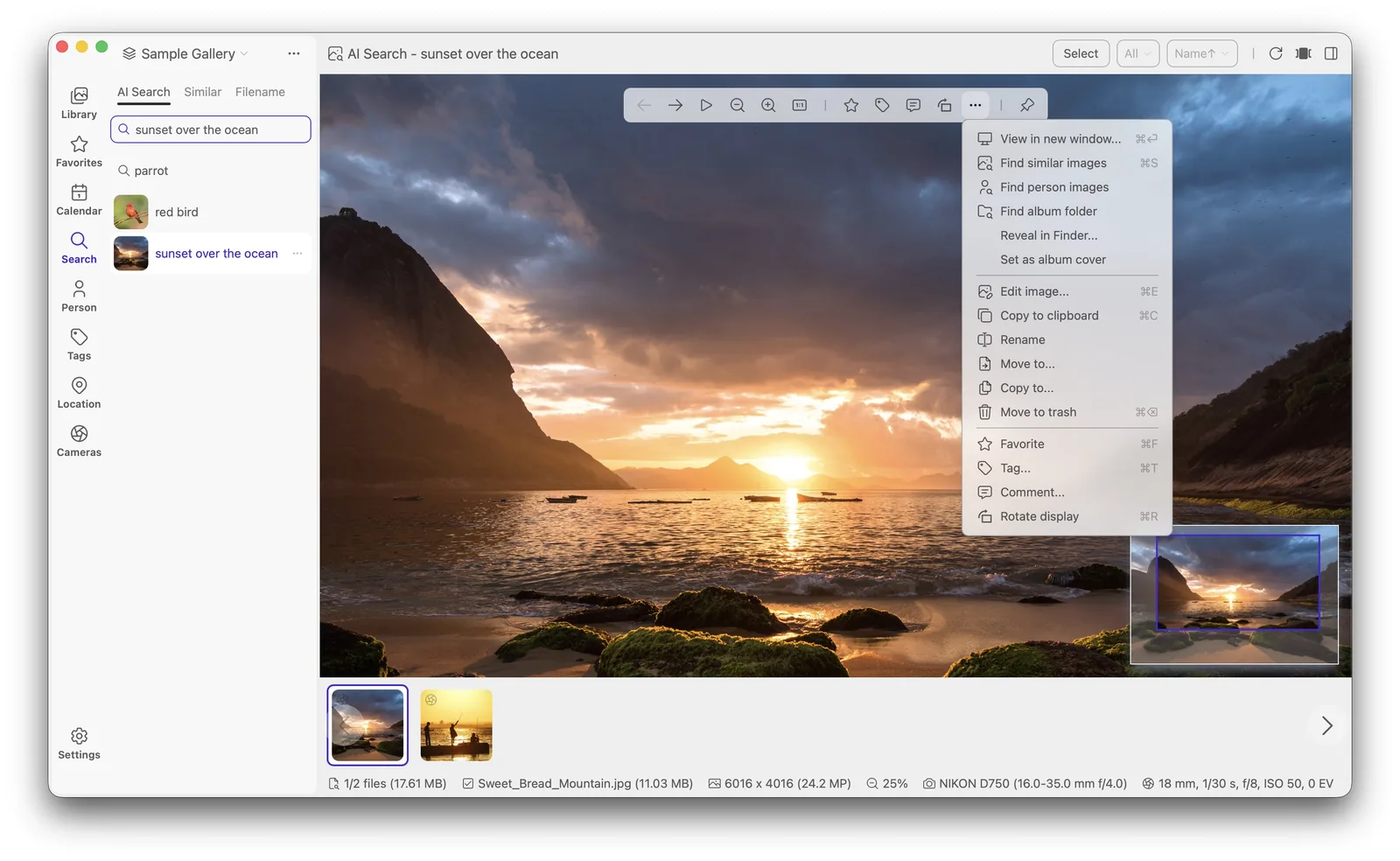
Lap's local AI search lets you find photos the way you remember them — "sunset at the beach", "red bicycle", "grandma's birthday cake". The search model runs locally on your computer, so your photos are never analyzed in the cloud.
Describe what you're looking for in plain words.
Find photos that look like a selected image.
Locate people, places and objects automatically.
Group photos of the same person together.
All AI runs on-device — nothing leaves your machine.
Search in 50+ languages.
No. The AI models (CLIP, InsightFace) run locally via ONNX Runtime. Your photos never leave your computer.
No. AI search works fully offline after the models are downloaded.
Lap supports search in 50+ languages.